Plenty of Views, No Sales. Here's How to Tell Which Number Is Actually Broken.
"Add more listings" is the standard answer, and it fixes the one number you already have enough of. Impressions, clicks and purchases are three separate failures with opposite fixes — here's how to work out which one is yours, including the uncomfortable possibility.
A marketplace listing has three numbers, not one: impressions (it appeared), views (someone opened it), and purchases (someone bought). Each gap between them has a different cause and a different fix. "Plenty of views, no sales" says the first gap is working and the second one isn't — so adding listings, keywords or pins adds more of the only thing already going right. Before anything else, check that your "views" are really views and not impressions, because those are very different numbers.
The most frustrating version of this business
There's a particular kind of discouraging that only happens once the traffic shows up. Nobody-sees-it is at least a problem you understand. This is different: the numbers are moving, the dashboard looks alive, people are arriving — and nothing happens.
Ask anywhere and you'll get the same reply within two comments: add more listings. It's not nonsense, exactly. It's just an answer to a different question.
Three numbers, three completely different problems
Every listing runs the same three-step gauntlet, and each step fails for its own reasons.
| The gap | What it means when it's broken | What actually fixes it |
|---|---|---|
| Nobody sees it → impressions | Your words don't match what people type, or nothing is distributing it | Keywords, titles, tags, more listings, a traffic channel |
| Sees it, doesn't open it → views | The thumbnail and title lose the split-second decision | First image, title, price shown in the grid |
| Opens it, doesn't buy → purchases | The listing, the offer, the price, or the product itself | Description, images, promise, price — or the product |
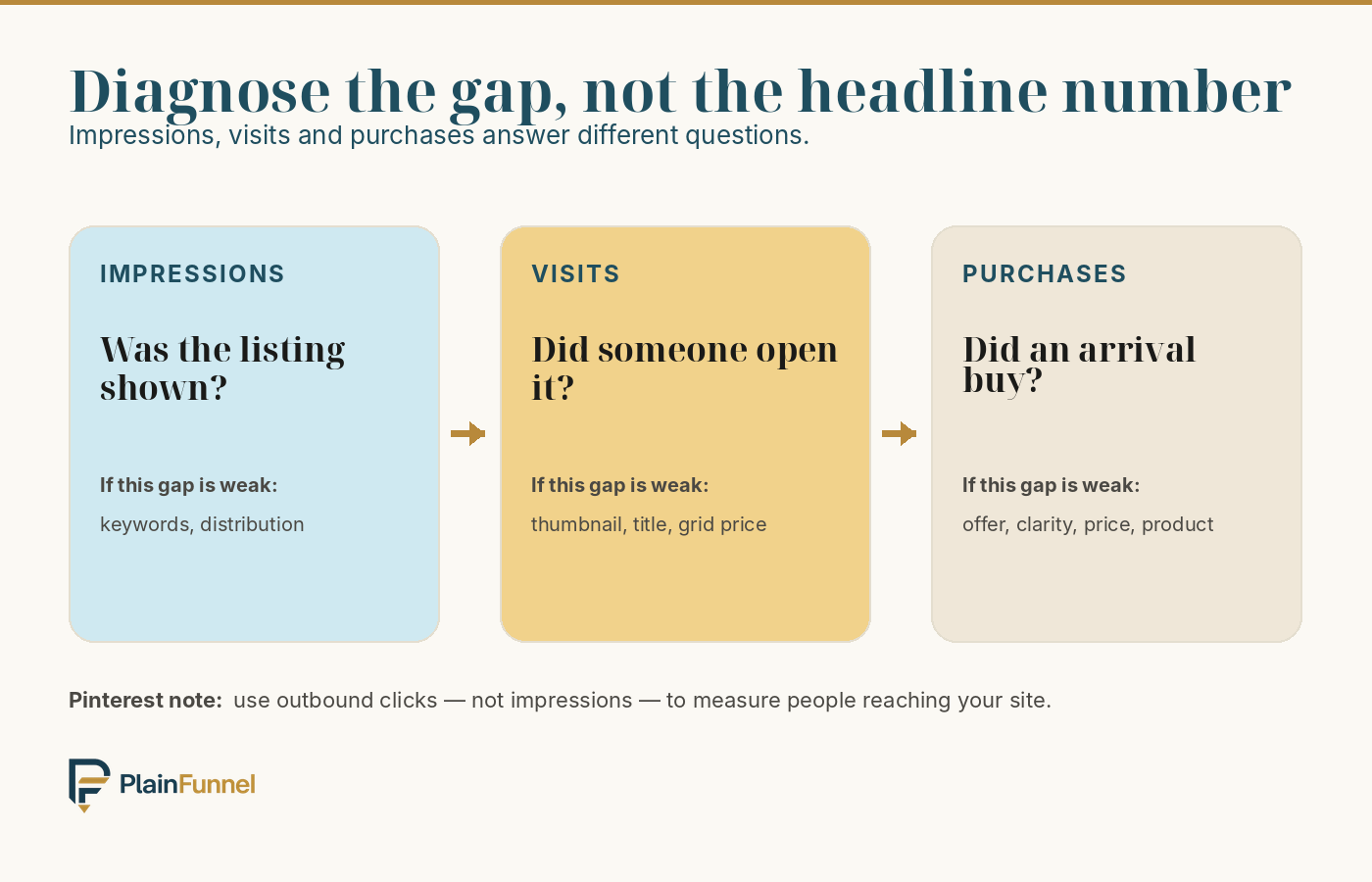
Now put your own complaint against that table. "Plenty of views, no sales" is a bottom-row problem. People found it, they judged the thumbnail worth a click, and they opened it — the first two gaps are working. More listings, more tags and more pins all push on the top row. You'd be optimising the only part that isn't broken.
Adding listings when you already have views is answering a question nobody asked.
First, are they actually views?
This trips up more people than anything else in the article, because two very different numbers get called the same thing in conversation.
- An impression is your thing appearing on a screen — in a search grid, in a feed, in a scroll. The person may never have looked at it, let alone opened it.
- A view or visit is someone actually opening your listing or landing on your page. This is the number that matters for the diagnosis above.
Pinterest is where this bites hardest, because it reports impressions generously and outbound clicks separately. 50,000 Pinterest impressions can be a few hundred people actually arriving — sometimes far fewer. If you're reading impressions as views, you may not have a conversion problem at all. You may have almost no traffic, described in a very flattering unit.
Open your analytics and find the number that means *"someone arrived at the thing I'm selling."* On Etsy that's visits and views rather than search appearances; on Pinterest it's outbound clicks rather than impressions. Dashboards relabel things periodically, so read the definition rather than the name. Everything below assumes you're holding the arrival number.
Is "no sales" even a signal yet?
Once you have the real arrival number, check whether zero sales is meaningful or just a small sample. There is no trustworthy universal conversion rate for "digital products" — published ecommerce figures vary enormously by category, platform, traffic source, device and even how the site counts a visit. Anyone quoting you a single number for your situation is guessing.
So don't use one. Take a few plausible rates as scenarios and see how much traffic it takes before a run of zero becomes surprising, on a simple model where each visitor decides independently:
| Real visitors | Chance of zero at 0.5% | Chance of zero at 1% | Chance of zero at 2% |
|---|---|---|---|
| 100 | ≈ 61% | ≈ 37% | ≈ 13% |
| 250 | ≈ 29% | ≈ 8% | ≈ 0.6% |
| 500 | ≈ 8% | ≈ 0.7% | ≈ 0.004% |
| 1,000 | ≈ 0.7% | ≈ 0.004% | effectively zero |
The three rates are illustrative columns, not a claim about what your product should convert at. We picked a pessimistic, a middling and an optimistic figure to bracket the question. If you already know your own rate from your own analytics, use the column nearest it — and if you don't know it yet, that's the more useful thing to go and find out.
Read it across a row rather than down a column. At 100 real visitors, zero sales is unremarkable at every one of these rates — even the optimistic column leaves better than a one-in-eight chance of nothing, so you've learned almost nothing. By 500 visitors the picture changes: unless your true rate is below about half a percent, a run of zero has become genuinely unlikely, and that's worth acting on. Past a thousand, luck stops being a plausible explanation at any of them.
So the phrase "plenty of views" is doing a lot of work in this conversation. Plenty means several hundred people arriving at the page. If it means eighty, the honest answer is that you don't have a conversion problem yet — you have a sample.
Free guide: the full step-by-step for taking one digital product from idea to a live listing — the real steps, the actual fees, and the numbers most guides skip. Get it free →
Four reasons people open a listing and leave
Assuming the traffic is real and the sample is big enough, these are the causes, roughly in the order they're worth checking.
1. The listing doesn't say what the thing is
The most common and the most fixable. The title got the click by being appealing; the description then describes the format — "a 24-page printable PDF" — instead of what the buyer walks away able to do. Nobody wants a page count. They want the afternoon it saves them, and they need to see that in the first line, before scrolling.
2. An unanswered question is making the decision
Buyers arrive with specific, boring, practical questions: what format is it, can I edit it, will it work on my phone, is it US Letter or A4, do I get updates, can I print it at home. An unanswered question does not become a benefit of the doubt. It becomes a closed tab. Every one of those you answer on the page is a reason to leave that you removed.
3. The price doesn't match what the page conveys
This runs both ways, and the second direction surprises people. Too high for what's shown is obvious. But a price that's clearly too low reads as a warning — if it's $2, the buyer assumes it's thin, and cheapness stops being an argument in your favour. Price is one of the fastest quality signals you're sending, whether or not you meant to send it.
4. They don't want it
This is the one the forums won't say, so here it is plainly: views prove the title and thumbnail worked. They prove nothing about whether the product is wanted. A great title on a product nobody needs produces exactly this pattern — healthy traffic, no sales — and it is by far the most expensive one to misdiagnose, because every fix in the first three categories will fail and you'll conclude you're bad at listings.
The tell is the pattern rather than the volume: rewrite the description, change the images, adjust the price, and the number stays stubbornly at zero across several hundred more visitors. At that point you are not looking at an SEO problem. You're looking at a validation problem, and the fix lives before the listing, not inside it.
Six questions and you'll know which of the three numbers is actually broken — plus the three things to fix first. Free, no email.
Diagnose which one is yoursHow to tell them apart, cheaply
You don't need a test framework. You need to change one thing at a time and give each change enough traffic to mean something — which, per the table above, means several hundred visitors, not a weekend.
- Write down the three numbers — impressions, real visits, sales — for the last 30 days, before you change anything. Without a baseline you can't read the result of anything you do next.
- Read your own listing as a stranger. Better: get someone who doesn't know the product to read it and tell you what they'd be buying and what it costs. If they hesitate, that hesitation is what your visitors are doing silently.
- Answer the five most boring questions on the page — format, size, editability, delivery, refunds. This is the cheapest fix on the list and it's often the whole problem.
- Rewrite the first line as the outcome, not the format. One change, then wait for several hundred more visitors before judging.
- Then, and only then, test the price. Moving it changes how everything else on the page reads, so do it last — otherwise you won't know which change did what.
The limits of all this
- The rates in that table are scenarios, not benchmarks. We deliberately don't tell you what conversion rate to expect: published ecommerce figures range widely by category, platform and traffic source, and none of them is a "digital product median" you can borrow. Use the column nearest your own measured rate.
- Marketplace traffic and search traffic behave differently. Someone browsing a marketplace is closer to buying than someone who arrived from a social feed, so the same conversion rate isn't a fair expectation across both.
- Seasonality is real and it is not your listing. Some categories go quiet for weeks at a time. A month is often too short a window to conclude much.
- Fixing the listing cannot fix the product. If the fourth cause is yours, better copy just means a clearer description of something people still don't want.
- None of this is a promise of sales. These are diagnostic steps, not a conversion guarantee, and no article can tell you which cause is yours from the outside.
How many views before I should worry?
Several hundred real visitors — not impressions. At 100 visitors a run of zero is unremarkable across every rate in the table above, so it tells you nothing either way. By 500 it's unlikely unless your true rate is under about half a percent, which makes it worth acting on. If you know your own conversion rate, read the column nearest it rather than borrowing an average from an article.
Should I lower my price to get the first sale?
Usually not first. A low price is itself a quality signal, and dropping it changes how the whole page reads — so if it does work you won't know whether it was the price or the reading. Fix clarity and unanswered questions first; test price last, on its own.
Would more listings help at all?
They'd help impressions, which is the number you already said is fine. If your real problem is the last gap, twenty more listings gives you twenty products with the same conversion problem — and twenty listing fees. Fix the one, then scale it.
My Pinterest impressions are huge but sales are zero. Same thing?
Probably not — that's usually a traffic problem wearing a conversion problem's clothes. Find your outbound clicks, and if a few hundred impressions are producing a handful of arrivals, the gap is between the pin and the click, not between the listing and the sale.
How long should I leave a change before judging it?
Long enough to accumulate several hundred visitors, which on a new listing can be weeks rather than days. Changing something every few days guarantees you never learn anything from any of it.
The Listing Half and the Traffic Half
 Best value
Complete Digital Product Bundle
The Starter Kit, the Editable Templates Pack, and the Pinterest Traffic Pin Pack together — build your product, get 18 ready-to-sell templates, and drive free traffic. The templates alone are a $179 value.
See what's inside → Most popular
AI Digital-Product Starter Kit
Eight tools in one kit: launch playbook, validation checklist, planning worksheet, a 34-prompt AI pack, listing framework, launch tracker, 30-day traffic plan, and a Pinterest starter sheet.
See what's inside →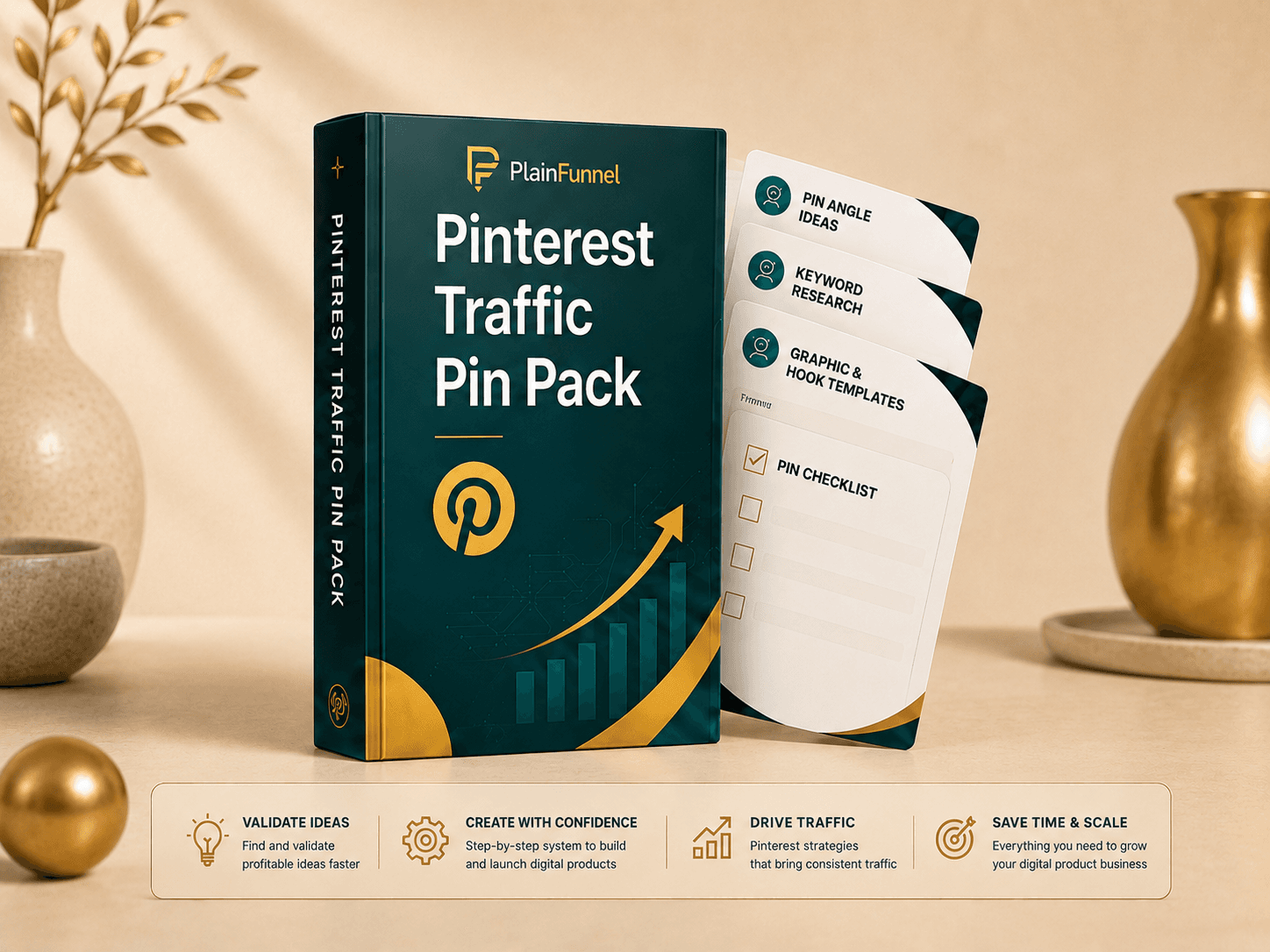
Pinterest Traffic Pin Pack
A 12-part Pinterest system: setup, angles, keywords, headline formulas, description prompts, a Canva Bulk-Create CSV, a destination audit, a 30-day calendar, troubleshooting, and worked examples — to turn one product into a month of free search traffic.
See what's inside →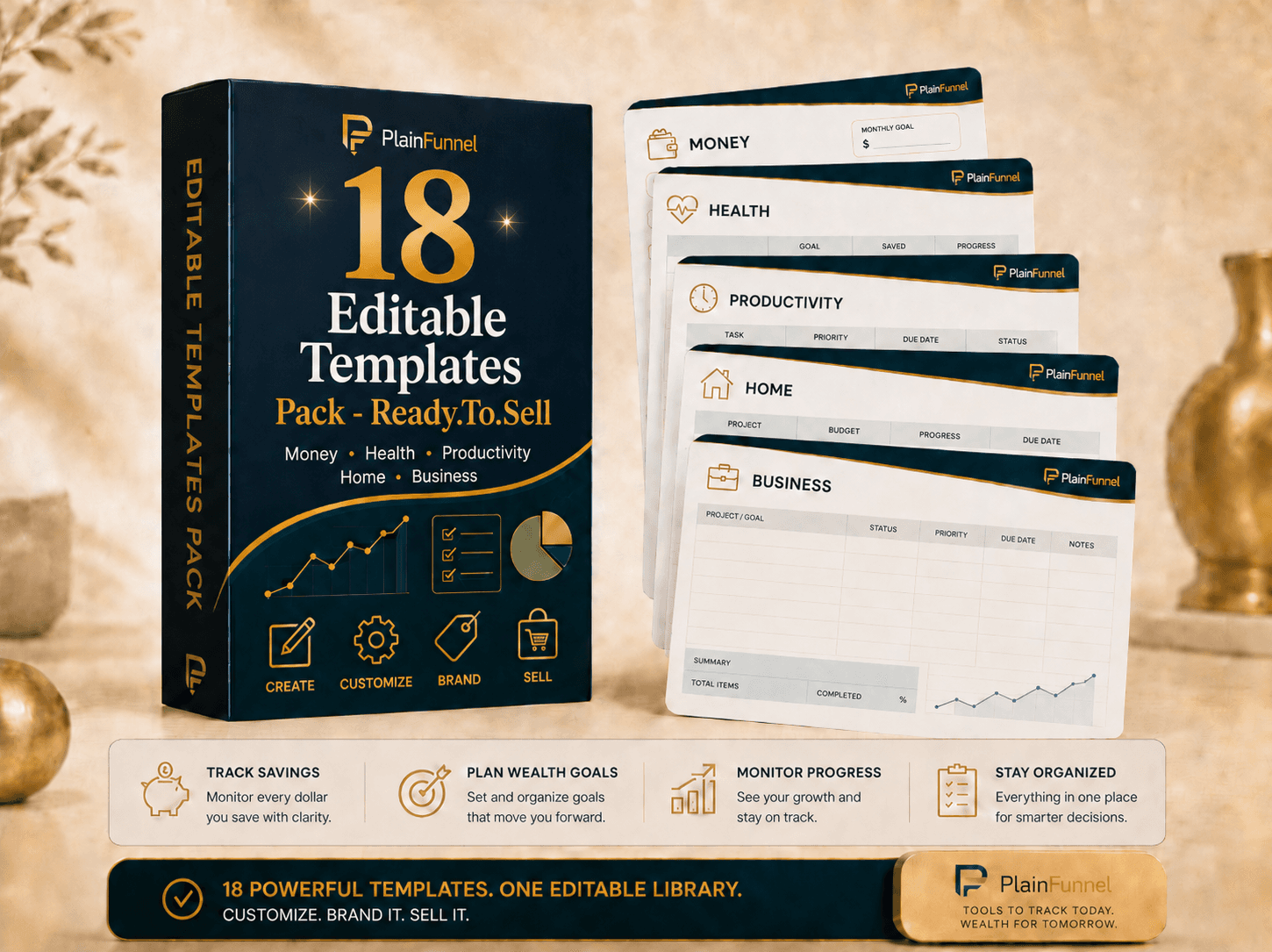
Editable Templates Pack
18 ready-to-sell templates across money, health, productivity, home, and business — planners, trackers, and worksheets. Customize the colors, examples, and branding, then list them as your own products. Print-ready PDFs + editable spreadsheet versions.
See what's inside →
AI Prompt Pack: Idea → Listing
The tested prompts that take you from blank screen to a finished, listable product — images, titles, and descriptions that don't read like AI wrote them.
See what's inside →If the diagnosis lands on the listing, the Starter Kit carries the listing framework — the structure that answers a buyer's questions in the order they ask them. If it lands earlier, on impressions that never became real visits, the Pin Pack is the traffic half. Which one depends on the diagnosis, and it's worth doing that first — buying the traffic system to fix a listing problem is the expensive version of adding more listings.
Related guides
- I spent days making a product and nobody bought it — the validation half, if the fourth cause turned out to be yours.
- I priced it at $3 and I'm barely making anything — what a price signals, and the traffic each one requires.
- Pinterest pins that drive traffic — turning impressions into actual arrivals.
We sell digital products, so we have a commercial interest in this topic — which is why the diagnostic above is free and comes before either product recommendation. Etsy and Pinterest are independent companies with no relationship to us, and their dashboards relabel metrics from time to time, so confirm what a number means in your own account before relying on it. Educational only, no income claims.
Get the honest digital-products starter guide
The full step-by-step from PlainFunnel — free, no hype.