My Customer Says They Have to Pay to Open My Template. Here's What Actually Went Wrong.
It arrives as a bad review, and the usual advice — "tell them to upgrade to Pro" — has it backwards. Canva's licence turns on the content tier, not the account tier, and the same rule that broke your buyer's file decides whether you were allowed to sell it at all.
Your template contains Pro Content, and your subscription doesn't travel with the file. The fix everyone suggests — *"tell them to get Canva Pro"* — misreads the licence: Canva's rules turn on the tier of the content, not the tier of the account. A Pro subscription grants no extra commercial rights, and for selling templates Pro Content is *more* restricted than Free. The same rule that broke your buyer's file also decides whether that template was ever licensed for you to sell.
How this usually shows up
Rarely as a question. It arrives as a two-star review, or a refund request with an edge to it, or a message that just says *"this doesn't work — it's asking me to pay."* You open your own link, everything's fine, and for a while you assume the customer did something wrong.
They didn't. You're both looking at the same design and seeing different things, because Canva is checking something about the elements inside it — and you already have access to those elements while your buyer doesn't.
The part almost everyone has backwards
Ask about this anywhere and the first reply will be that your customer needs Canva Pro. That's the wrong mental model, and it's the reason sellers keep hitting the same wall after paying to fix it.
For template resale, what matters is the content tier — not whether you pay for Canva.
Canva's Content License Agreement draws its line around the asset tier — whether a given photo, font, graphic or element is Free Content or Pro Content. A subscription changes how Pro Content licences are *issued* to you: a free user pays for that licence, a subscriber gets it at no additional cost. What it doesn't change is the tier itself. A Pro subscription gives you access to Pro Content licences for permitted uses, but it doesn't expand the additional template-distribution and resale permissions Canva reserves for Free Content.
So the seller who upgrades to Pro in order to "unlock selling templates" has bought the opposite of what they needed. For template resale, Pro Content is the restricted tier. Free Content is the one with room in it.
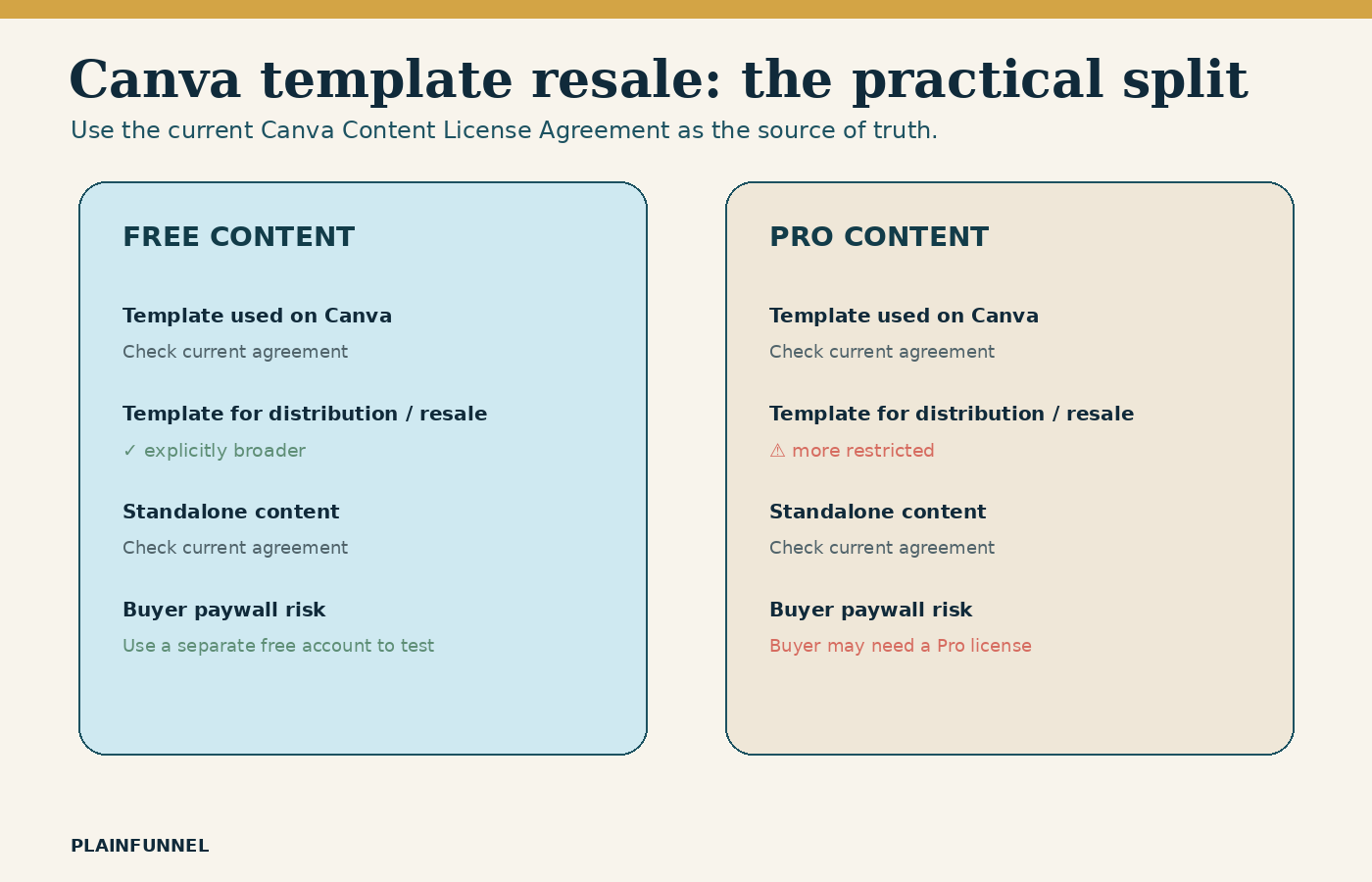
What the licence actually permits
Three different things get called "selling a Canva design", and they are not treated the same way.
| What you're selling | What the licence says | In practice |
|---|---|---|
| A finished design — print, poster, reproduction | Permitted for *"resale, license or other distribution"*, with no reproduction quantity limit | The clearest case. A flattened, finished output. |
| A template, used on Canva | Permitted *"solely for use on Canva"* | A Canva template link is the intended route — but see the Pro Content problem. |
| An exported editable file — layered, off-platform | Granted for Free Content only. *"If your Canva Design contains any Pro Content, you can't use it for these purposes."* | The one that catches sellers out. |
And separately, standalone assets are out entirely: "You may not copy, download or distribute the Pro Content as a standalone item." That covers selling the font, the graphic or the stock photo on its own, in or out of a design.
Check the content-source label too, not just the tier. Branded Content and Education Content sit outside the ordinary Free/Pro split and can carry stricter limits than either.
There's a further restriction that matters specifically to digital-download sellers. The licence prohibits incorporating Content into "any product that results in a re-distribution or re-use of the content or is otherwise made available in a manner such that a person can extract or access or reproduce the content as an electronic file." An editable or layered file built on Canva stock plausibly falls under that even when your design is entirely original — because the buyer can pull the assets back out. We're flagging it as a risk to check, not asserting a verdict on your specific file.
Free guide: the full step-by-step for taking one digital product from idea to a live listing — the real steps, the actual fees, and the numbers most guides skip. Get it free →
Why your buyer sees a paywall and you don't
With that established, the support ticket explains itself. Your design contains at least one Pro element. You have access to Pro Content, so it renders normally for you. Your buyer opens the same template on a free account, Canva checks the elements, finds something they aren't licensed for, and asks them to pay or watermarks the result.
Nothing is broken. The file is doing exactly what it's supposed to. You just built and tested it from the one account on earth that can't see the problem.
The fix, and why it fixes two things at once
The practical answer is to build templates from 100% Free Content — every photo, font, graphic, icon and element. That removes the buyer's paywall, and it's also the condition attached to using a design off-platform in the first place. One change closes the support ticket and the licensing question together, which is a rare piece of good news in this area.
- Rebuild the template using only Free Content. Check every element individually rather than trusting the overall look — one Pro icon is enough to trigger it.
- Test it from a genuinely separate free account, not your own logged-in session. This is the step that would have caught it before the review, and it takes two minutes.
- Decide which product you're actually selling — a Canva template link, or an exported editable file. They sit under different permissions, and the exported one requires the Free Content condition.
- Say it plainly in the listing. State what the buyer receives, what they need to open it, and whether a free account is enough. Most of these reviews are a surprise problem, not an anger problem.
- Read the licence yourself at canva.com/policies/content-license-agreement. It's the source, it changes, and it's shorter than the forum threads about it.
We're a digital-products publisher, not lawyers, and this is a plain-language reading of a licence — not a ruling on your situation. Quoted terms were read directly from Canva's Content License Agreement in August 2026; platforms revise terms without announcement, and how any of it applies to you may depend on where you are and what you built. Read the current agreement yourself before you act on it, and take proper advice if real money depends on the answer.
The limits of all this
- We can't tell you whether your specific file is compliant. That depends on every element inside it, and only you can see them.
- Terms change. Anything quoted here is a snapshot. The link above is the live version and it wins over this article.
- Other tools have their own rules. Moving off Canva doesn't remove the question; it changes which agreement you have to read. Stock sites, font foundries and AI image tools all license differently, and "I bought it" rarely means "I can redistribute it".
- Enforcement and permission are different things. Plenty of non-compliant products sell for years untouched. That isn't evidence they're allowed, and it's a poor foundation for a business you intend to keep.
Will Canva Pro fix this for my customers?
No — and this is the most common expensive mistake here. Your subscription governs what you can access, not what your buyer is licensed to open. If the template contains Pro Content, a buyer on a free account still hits the paywall no matter what you pay each month.
So can I sell Canva templates at all?
Templates are permitted "solely for use on Canva" — a template link a buyer edits inside Canva is the intended route. Exporting an editable file to sell off-platform is granted for Free Content only. Build from Free Content and both paths stay open.
What if my design is completely original?
Originality of the layout isn't the test. The restriction attaches to the licensed assets inside it, which is why a design you composed entirely yourself can still carry Pro Content — and why the extraction clause is worth checking for any layered or editable file.
Can I just sell a flattened PDF instead?
A finished, flattened design is the clearest permitted case — the licence allows reproductions for resale with no quantity limit. It's a different product from an editable template, though, so check that's still what your buyers want before you switch.
Where do these quotes come from?
Canva's Content License Agreement, read directly from Canva's own site in August 2026 rather than quoted from other articles. Sections covering finished designs, templates, standalone Pro Content and the extraction clause. Verify the current version before relying on any of it.
Templates Without the Licence Question
 Best value
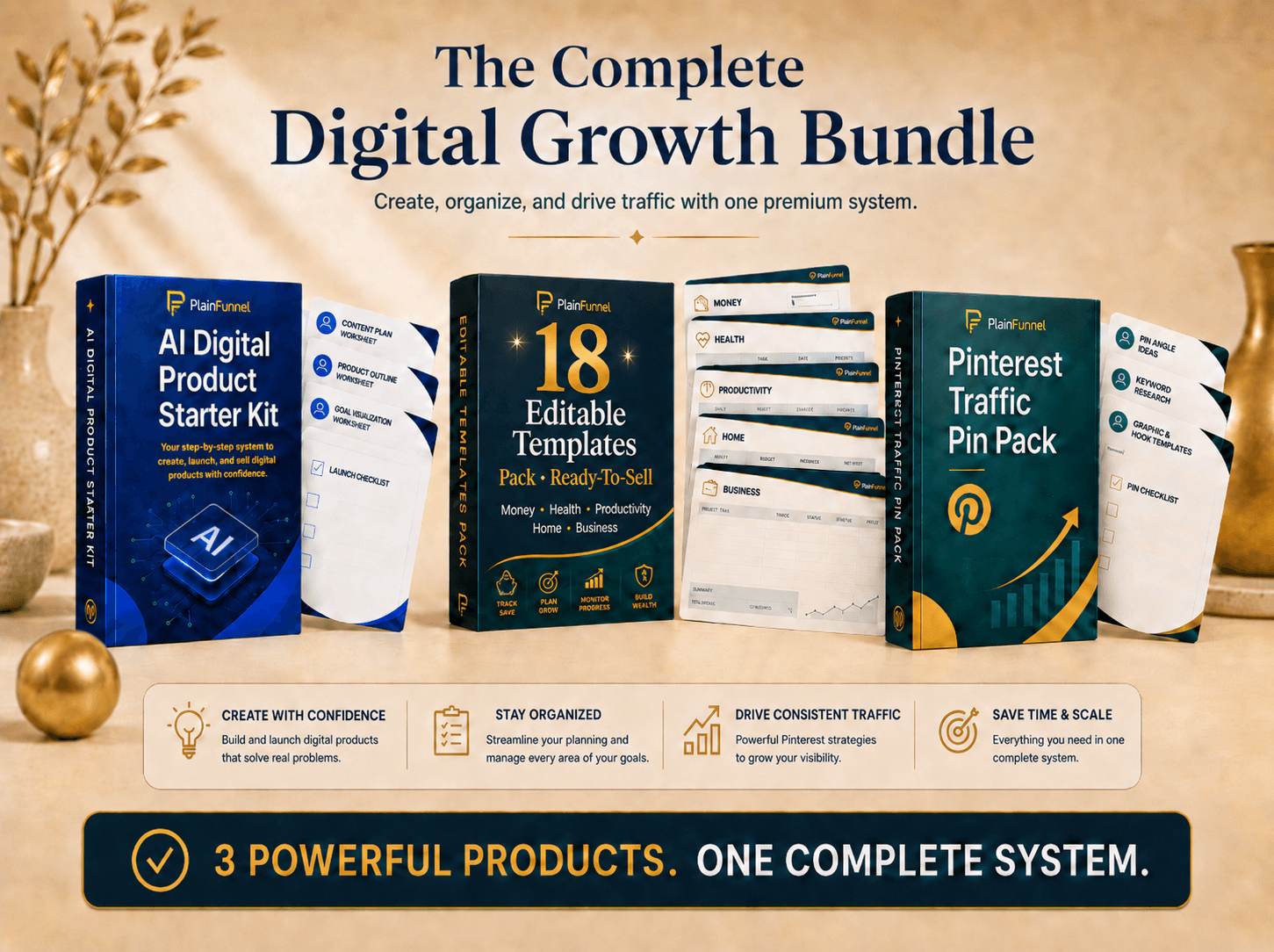
Complete Digital Product Bundle
The Starter Kit, the Editable Templates Pack, and the Pinterest Traffic Pin Pack together — build your product, get 18 ready-to-sell templates, and drive free traffic. The templates alone are a $179 value.
See what's inside →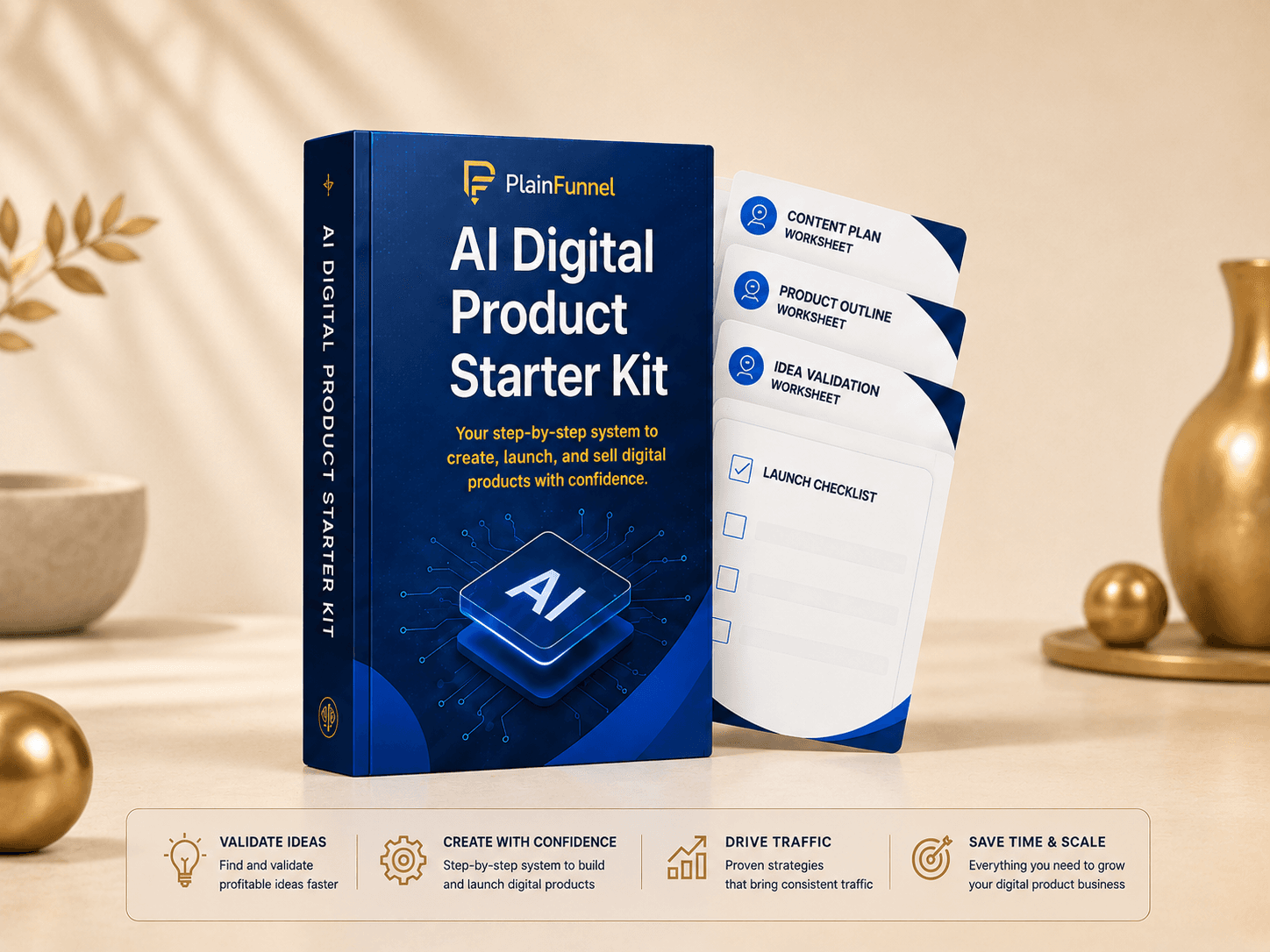 Most popular
AI Digital-Product Starter Kit
Eight tools in one kit: launch playbook, validation checklist, planning worksheet, a 34-prompt AI pack, listing framework, launch tracker, 30-day traffic plan, and a Pinterest starter sheet.
See what's inside →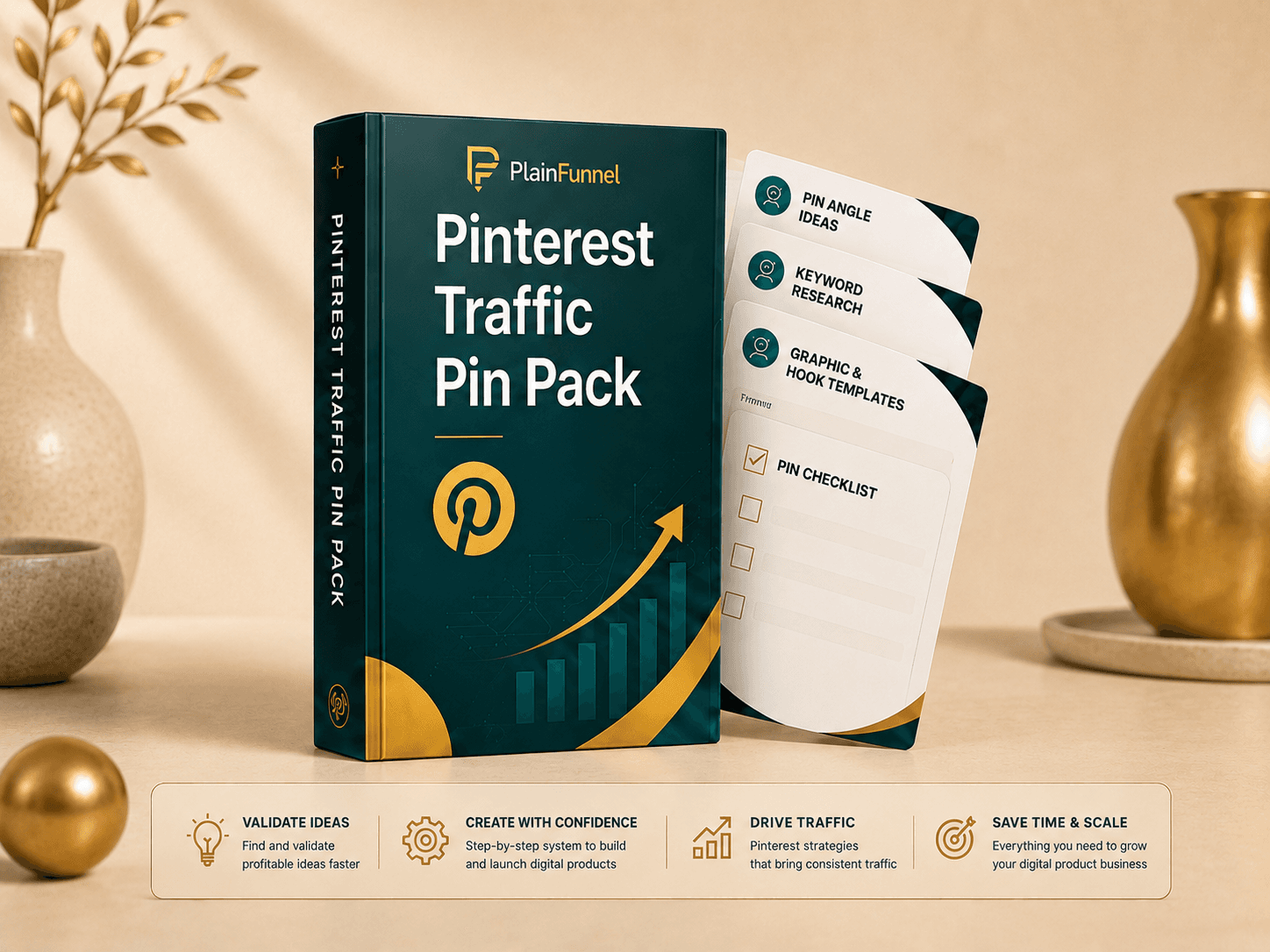
Pinterest Traffic Pin Pack
A 12-part Pinterest system: setup, angles, keywords, headline formulas, description prompts, a Canva Bulk-Create CSV, a destination audit, a 30-day calendar, troubleshooting, and worked examples — to turn one product into a month of free search traffic.
See what's inside →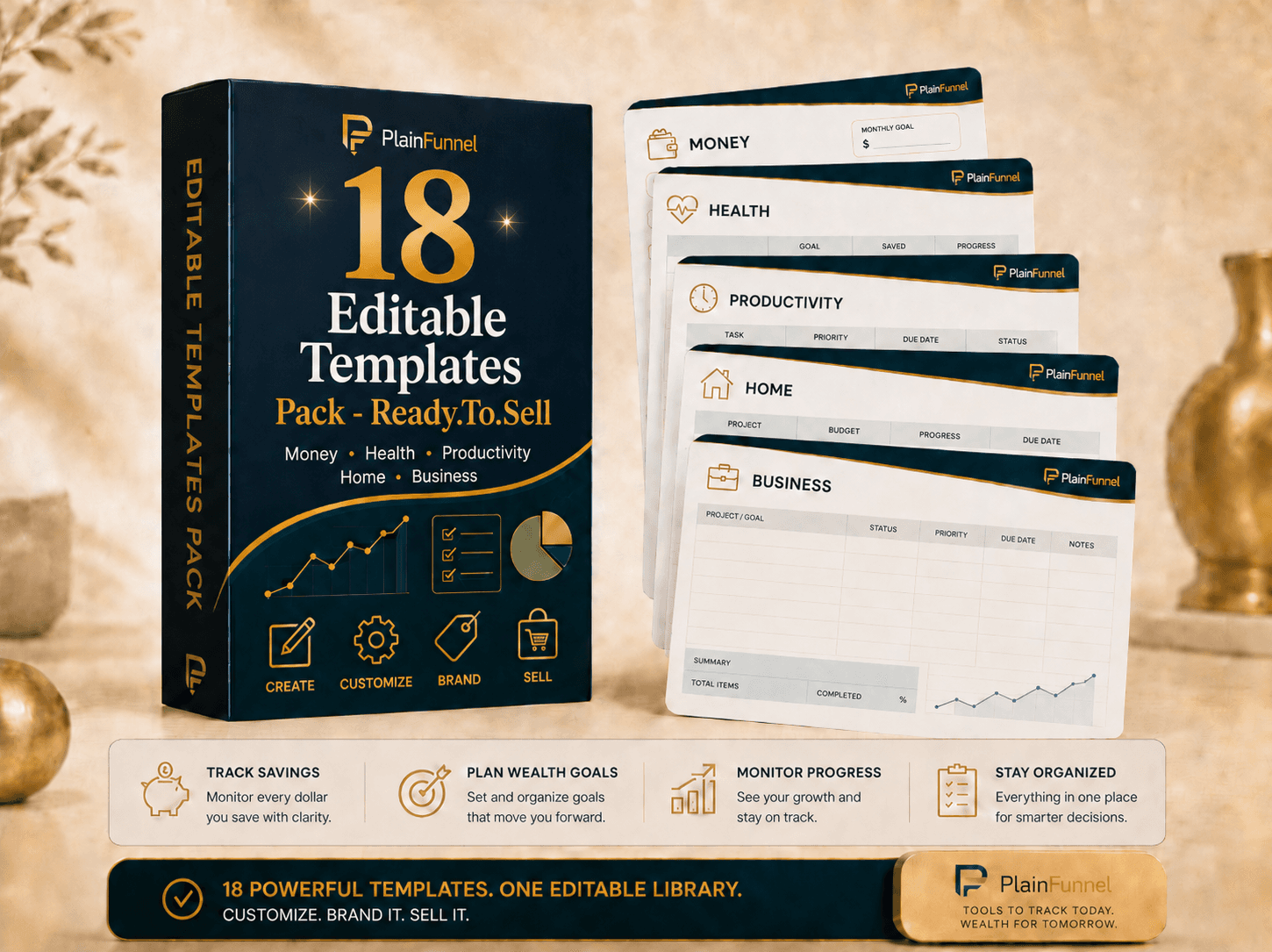
Editable Templates Pack
18 ready-to-sell templates across money, health, productivity, home, and business — planners, trackers, and worksheets. Customize the colors, examples, and branding, then list them as your own products. Print-ready PDFs + editable spreadsheet versions.
See what's inside →
AI Prompt Pack: Idea → Listing
The tested prompts that take you from blank screen to a finished, listable product — images, titles, and descriptions that don't read like AI wrote them.
See what's inside →One honest note, since it's the obvious thing to say here and it happens to be true: our Editable Templates Pack isn't built in Canva at all — the files are generated directly, so Canva's content licence simply doesn't apply to them and a buyer can't hit a paywall opening one. That removes this specific problem. It doesn't remove your responsibility to read the terms of whatever else you use.
Related guides
- Someone asked for a refund and they already have the file — the request this licensing trap tends to produce, and how to answer it.
- Plenty of views, no sales — when the listing, not the file, is what's losing the buyer.
- I spent days making a product and nobody bought it — checking demand before the build.
- How to sell AI digital products on Etsy — the listing and delivery side.
We sell an editable templates product, so we have a commercial interest in this topic — which is why the fix above is a rebuild you can do for free, and the product note sits at the end rather than in the middle. Canva is an independent company with no relationship to us. Quoted licence terms were read in August 2026 and may have changed. Educational only, not legal advice, no income claims.
Get the honest digital-products starter guide
The full step-by-step from PlainFunnel — free, no hype.