How to Sell AI Digital Products on Etsy: An Honest 2026 Walkthrough
Etsy already has buyer intent, but a listing still needs the right product, price and traffic. This walkthrough goes from demand check to file, listing, fees and distribution — with the assumptions shown, so you can run your own numbers instead of borrowing someone else's. No fake income screenshots, and no timeline promises.
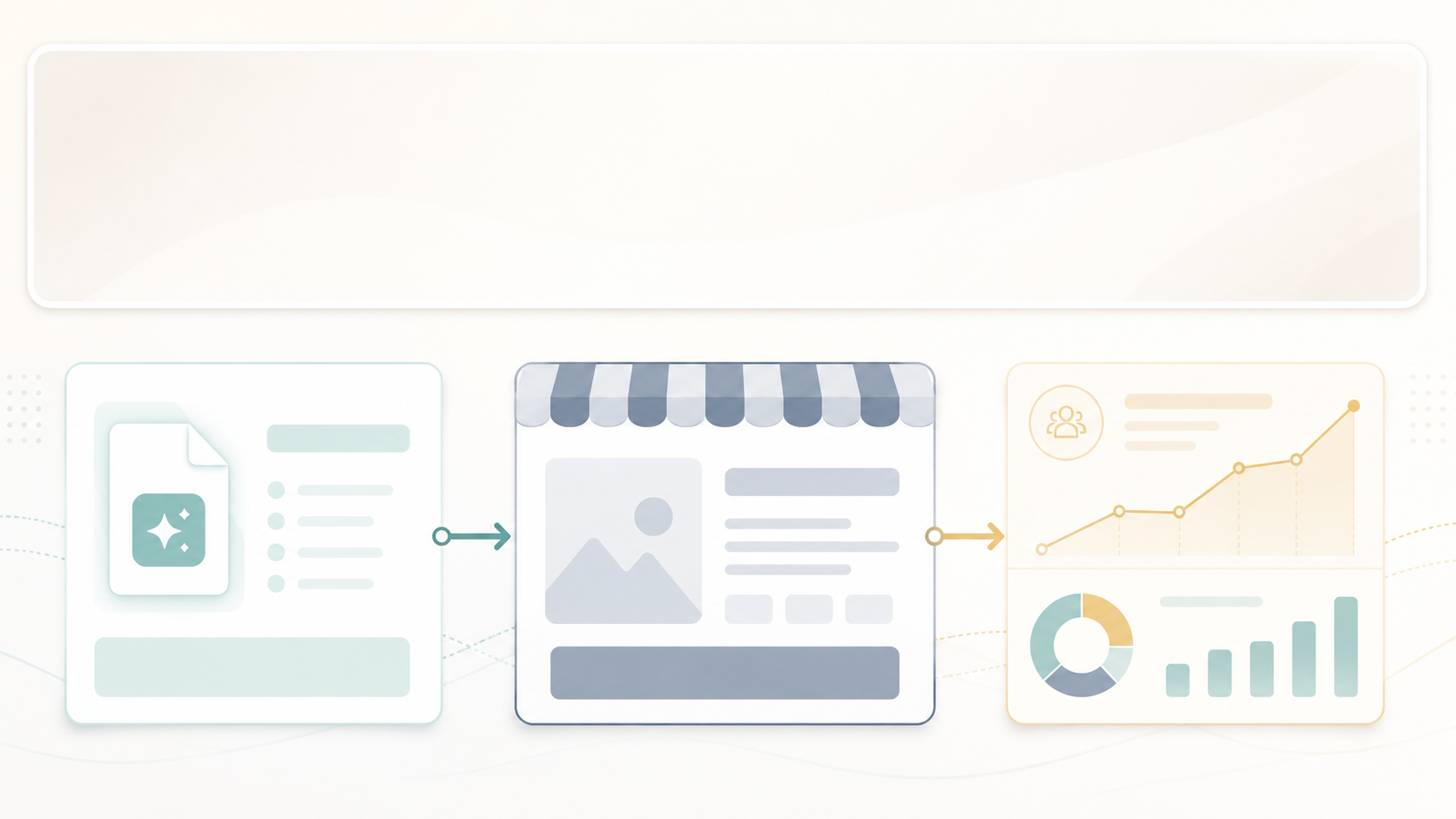
Etsy is a useful place to test demand for a digital product, because buyer intent is already there — people arrive searching. It is not where you build a long-term customer relationship: Etsy controls the marketplace relationship, and its policy restricts using buyer information for marketing without proper consent. Fees (a $0.20 listing fee, a 6.5% transaction fee, plus payment processing) trim the margin too. Use Etsy to learn whether the thing sells, and build an owned audience separately through channels you control.
Start here
Want to test an AI digital product without guessing? Use the free guide to pick and build it, and the calculator to check the numbers before you list.
Who this is best for
- First-timers who want a real sale before investing in a brand or ads.
- Anyone making printables, templates, Notion systems, worksheets, or planners — things delivered as a file, with no fulfillment.
- People who'd rather borrow Etsy's traffic than wait months for SEO.
Who should skip this
- Anyone building a defensible brand long-term. You own a shop, not the marketplace relationship — you receive buyer information for the transaction, but Etsy's policy restricts using it for marketing without proper consent.
- High-ticket products, unless the offer clearly justifies the price. Etsy carries a lot of low-priced digital inventory, so a premium price generally needs stronger proof than a listing alone provides. Price against comparable products and your own fee floor rather than a fixed starter range.
- Anything that violates Etsy's AI or seller policies. Read them first; the rules shift.
The simple business model
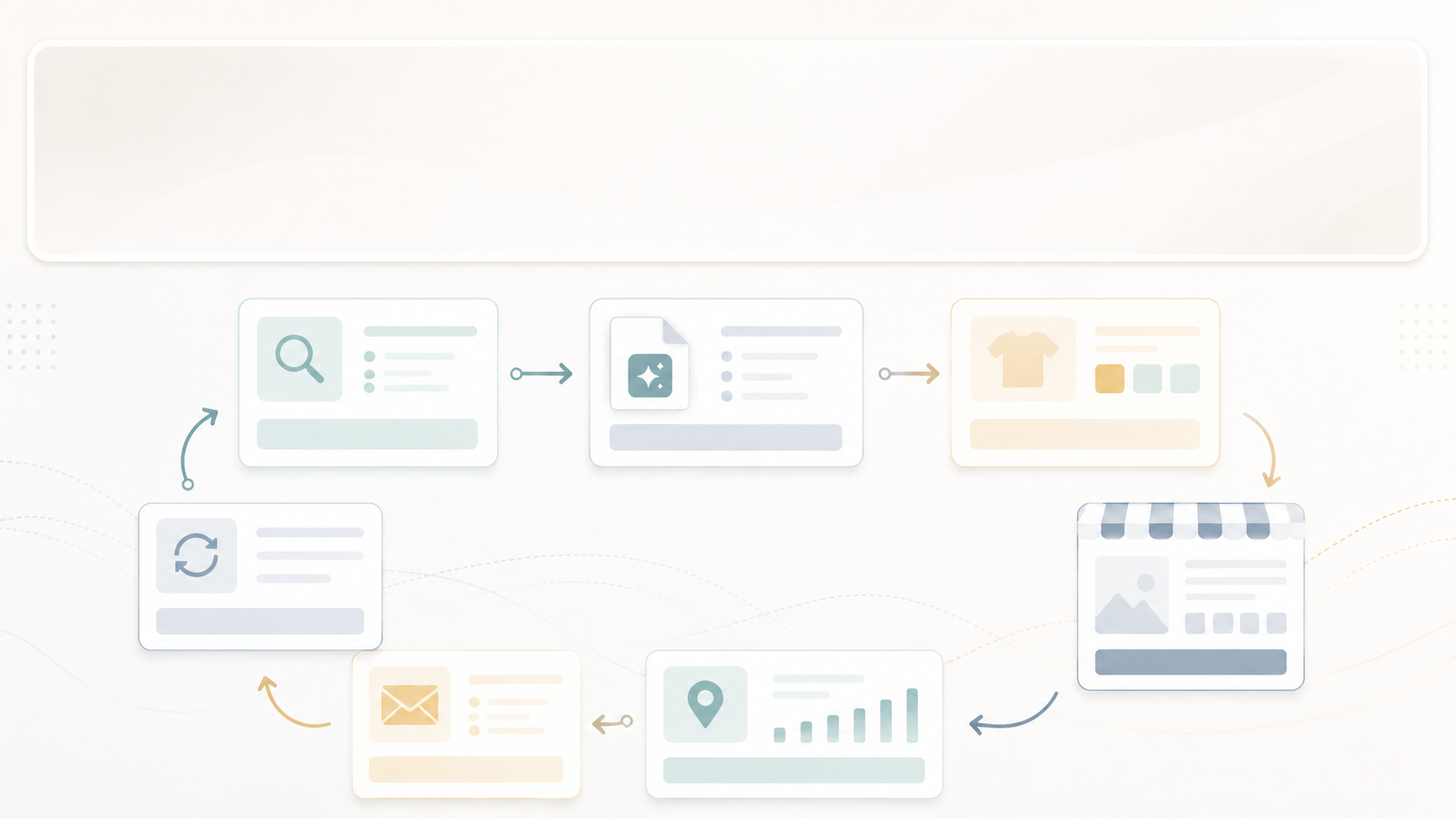
The model is a loop, not a leap. You validate cheaply on Etsy's traffic, then reinvest what works into channels you own. The order matters: do not create first — validate demand first.
The workflow, step by step
- Pick one tight product. Not a 'mega bundle.' One clearly-named thing a specific person searches for — our running example is a *Minimalist Weekly Meal-Planner Printable*.
- Validate the search demand first. Before you build, confirm people actually search for it. Use a free Etsy keyword tool plus autocomplete on Etsy, Pinterest, and Google. No demand, no product.
- Create the file — let the tools do the heavy lifting. Generate the layouts, backgrounds, illustrations, and mockups in a design tool, then set any legible text yourself so it stays crisp.
- Fix the text and layout by hand. Most image models still garble text, so set the real, readable text in a design tool. This single rule prevents most amateur-looking products.
- Export clean files. PDF for printables, a shareable link or template-copy for Notion, high-res PNG/JPG for art. Download and open it yourself to confirm it works.
- Create mockups that show the product in use. Flat, ugly previews are the number-one reason a good product gets skipped.
- Write the listing for search. Title, tags, and the first line of the description use the words buyers type — not clever names. (Keyword map below.)
- Set a deliberate test price. Price against comparable listings, your own fee floor, and what the offer actually includes — there's no starter range that works across categories. Whatever you pick, treat it as a test you'll revise once you have reviews and real numbers.
- Publish, then turn the listing into traffic. A live listing alone won't be found. Turn the same product into a batch of Pinterest pins to feed it visitors.
Keep the text out of the AI image and set it by hand. That one rule prevents most amateur-looking digital products.
Example product walkthrough
Here's the running example taken end to end, so the steps feel concrete:
| Stage | Minimalist Weekly Meal-Planner Printable |
|---|---|
| Idea | A clean, undated weekly meal planner people print at home |
| File | A 1-page editable PDF, US Letter + A4 |
| Mockup | The page shown on a tablet and in a kitchen frame |
| Etsy title | Minimalist Weekly Meal Planner Printable | Instant Download PDF |
| Etsy tags | meal planner, weekly planner, printable planner, minimalist, instant download |
| Price | $19–24 to start |
| Pin title | The 1-page meal planner that actually sticks |
One product. Three traffic assets.
The PDF
- Editable PDF
- US Letter + A4
- Print at home
The listing
- Keyworded title
- Instant download
- $19–24 to start
The pin
- “The 1-page planner that sticks”
- Links to the listing
- Repurposes to Reels/Shorts
Etsy fees and take-home math
| Cost | Amount | When it applies | Notes |
|---|---|---|---|
| Listing fee | $0.20 | Per listing / renewal | Lasts ~4 months unless sold or renewed |
| Transaction fee | 6.5% | On each sale | Applied to the item price plus shipping/gift wrap |
| Payment processing | Varies by country | On each order | US example: a percentage plus a small fixed fee |
| Offsite Ads fee | 12% or 15% | Only when an Etsy ad drives the sale | 15% for smaller shops, 12% for larger; mandatory above a sales threshold |
| Taxes | Varies | On your income | Set this aside yourself |
These are Etsy's published US fees as of mid-2026. Confirm the current rates — and your own country's payment-processing fee — in your shop dashboard.

A $29 sale is not $29 in your pocket
US example; estimates only. Payment processing varies by country and tax depends on your situation — verify current rates.

Not sure how many sales $2,000/month actually takes? Run your own numbers.
Open the Profit CalculatorEtsy SEO: title, tags, description
Buyers search words, not clever names. Use the keyword search bar at the top of this page to see what real shoppers are typing, then map those phrases to where each one belongs:
| Buyer intent | Example keyword | Where to use it |
|---|---|---|
| Wants a planner | printable meal planner | Title + tags |
| Wants a minimalist style | minimalist meal planner | Title + description |
| Wants instant delivery | instant download planner | Description + tags |
| Wants an editable file | editable Canva planner | Title/tags — only if it's true |
| Wants a budget option | budget meal planner | Tags |
That fourth row carries a condition worth reading before you use it. "Editable Canva" is a phrase buyers genuinely search for, and it's also the one that generates support tickets: a buyer opening your template on a free account can hit a paywall on elements you already have access to, and the same licence rule decides whether you were allowed to sell the file off-platform at all. What to do when a customer says they have to pay to open your template covers the rule and the one build change that closes both problems.
Minimalist Weekly Meal Planner Printable | Instant Download PDF
A clean, undated weekly meal planner you can print at home in seconds.
Don't use trendy keywords that don't describe the product. Etsy's search and its buyers both punish mismatch.
Pros
- Buyer traffic is already there — the hardest problem (traffic) is partly solved for you.
- Zero fulfillment on digital files. Sell it once or 5,000 times for the same effort.
- A live listing is real market feedback. It tells you what to build next.
Cons and how to fix them
| Con | The fix |
|---|---|
| You don't own the marketplace relationship | Build an owned audience through channels you control. Never add Etsy buyers to a marketing list without proper consent, and check Etsy's current buyer-information and off-platform policies before putting promotional links inside a deliverable |
| Search is crowded | Target specific long-tail keywords, not broad single words |
| Policy + platform risk | Read Etsy's current AI and seller policies, stay compliant, and build your own site in parallel |
| Fees stack up at volume | Once a product is validated, sell repeat buyers through your own site or Gumroad |
Etsy vs Gumroad vs your own site
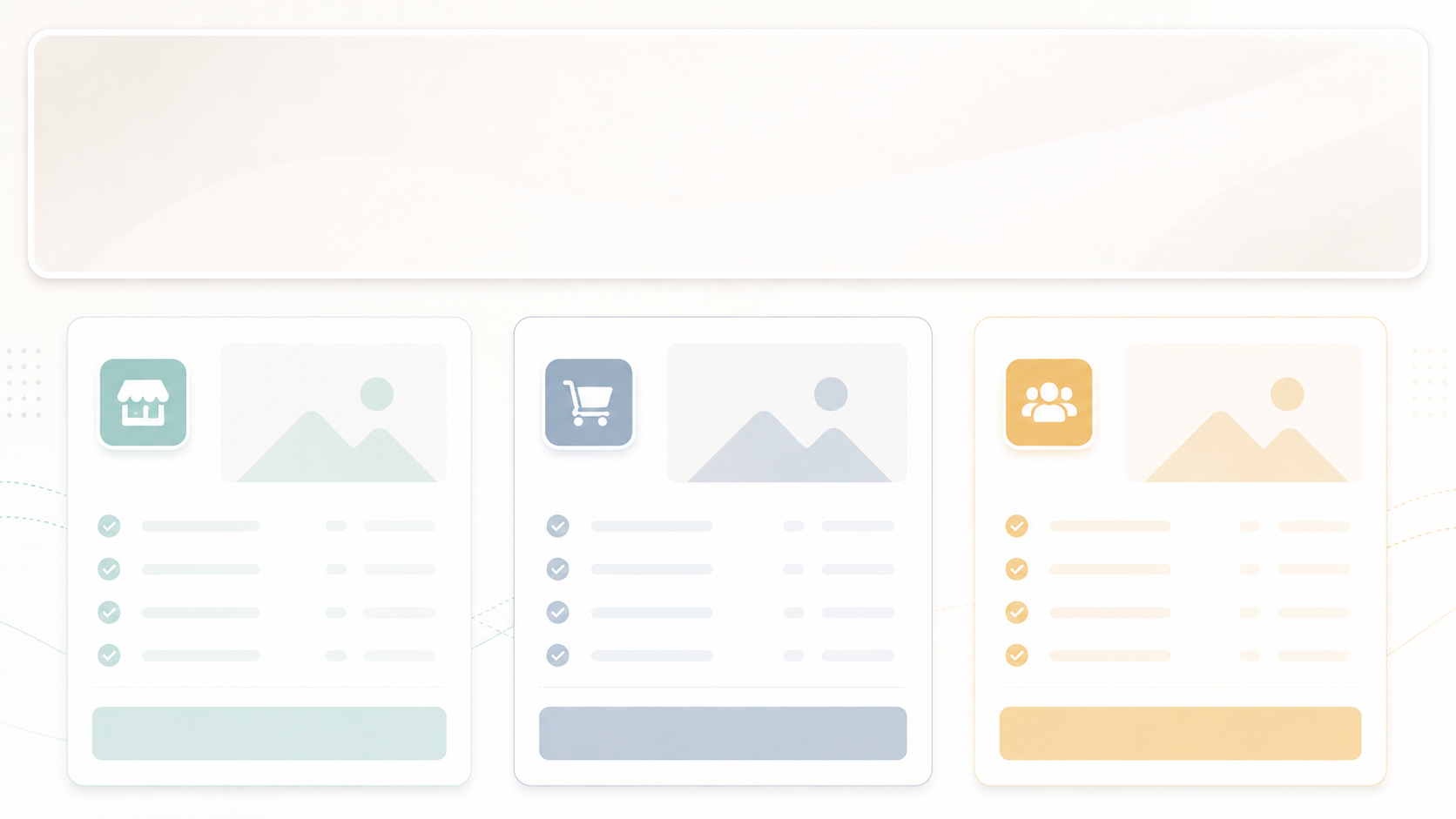
Etsy
Built-in marketplace demand
- Traffic: existing buyer intent
- Own the relationship: no
- Best when you want access to buyers already searching
Gumroad
Own the customer
- Traffic: you bring it
- Own the buyer: yes (email)
- Best when you have an audience
Your site
Long-term brand
- Traffic: you earn it (slow)
- Own the buyer: yes
- Best for building a brand
Bottom line: validate on Etsy, then own the audience on your own site and email list.
Recommended setup by budget
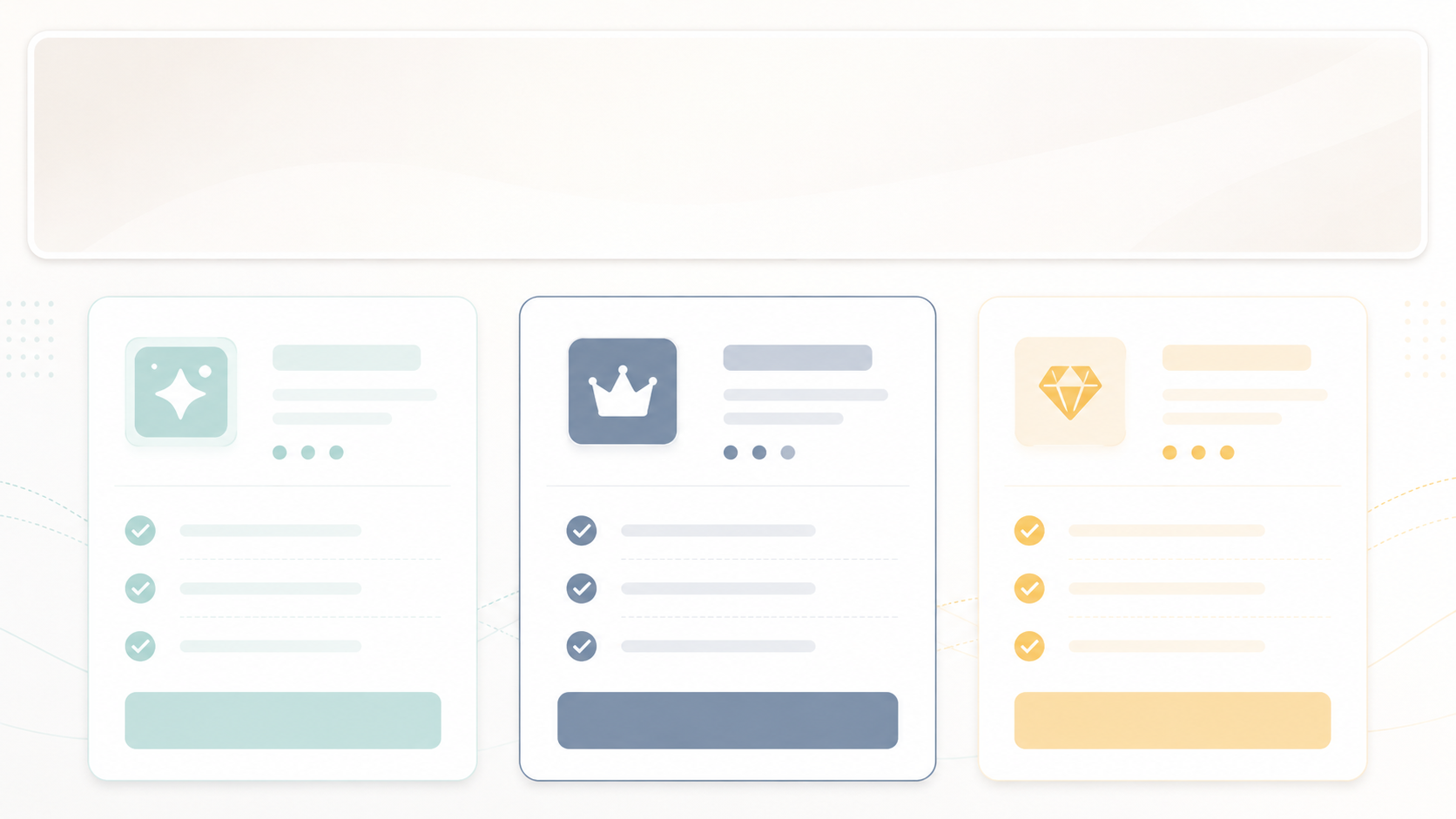
$0
Validate
- AI free tiers + a free design tool + Etsy
- One listing, fully manual
- Enough to prove demand
~$20/mo
Produce faster
- A Pro design tool for bulk mockups + Etsy
- Cleaner product + mockups
- Faster batch creation
~$50/mo
Scale demand-first
- Add a keyword tool + metered AI image credits
- Demand-checked listings
- Custom hero images
Your next step
Pick the path that matches where you are
The calculator is free. The kit is the paid shortcut if you'd rather not piece it together yourself.
Start with a template instead of a blank page
 Best value
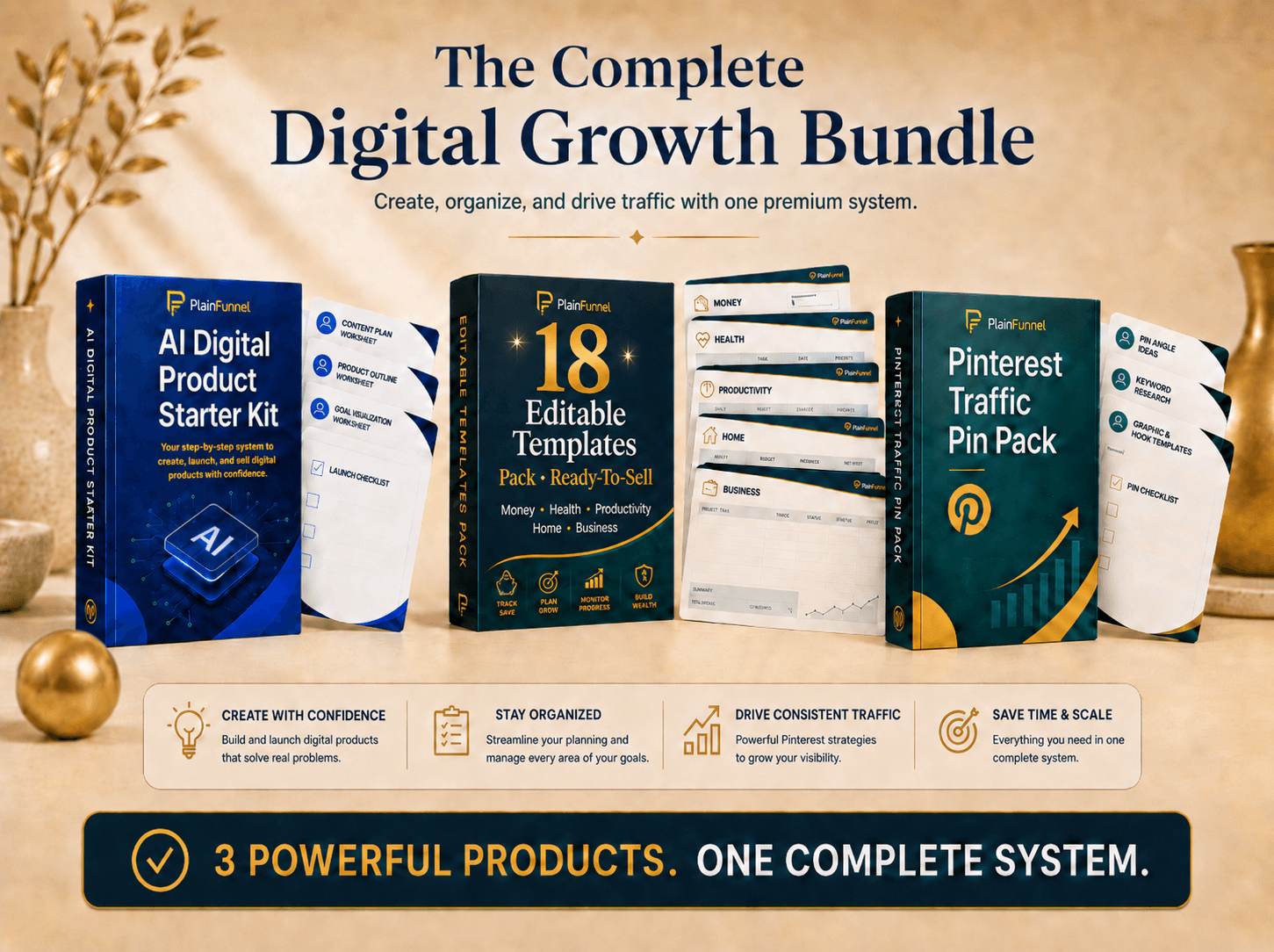
Complete Digital Product Bundle
The Starter Kit, the Editable Templates Pack, and the Pinterest Traffic Pin Pack together — build your product, get 18 ready-to-sell templates, and drive free traffic. The templates alone are a $179 value.
See what's inside →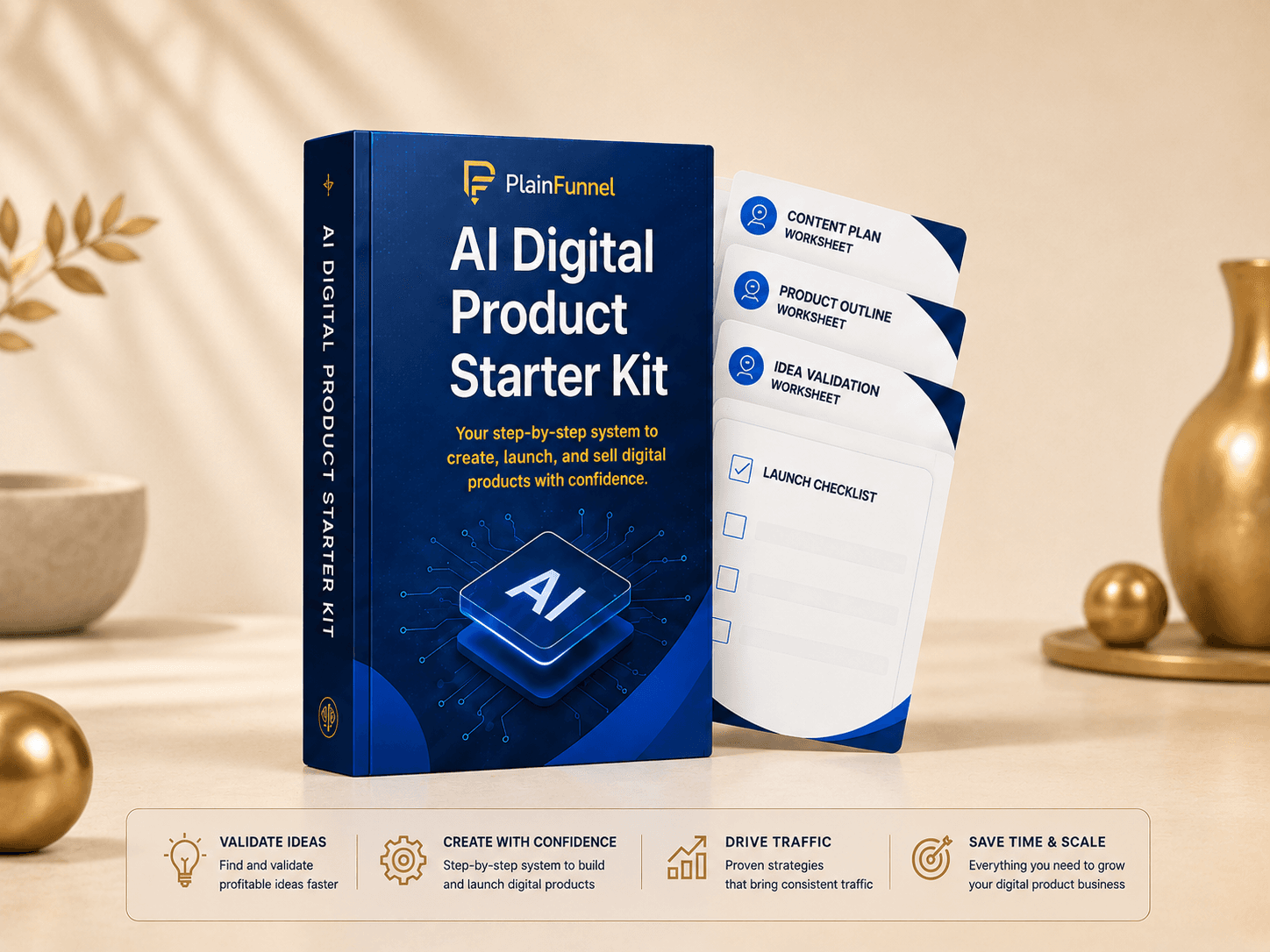 Most popular
AI Digital-Product Starter Kit
Eight tools in one kit: launch playbook, validation checklist, planning worksheet, a 34-prompt AI pack, listing framework, launch tracker, 30-day traffic plan, and a Pinterest starter sheet.
See what's inside →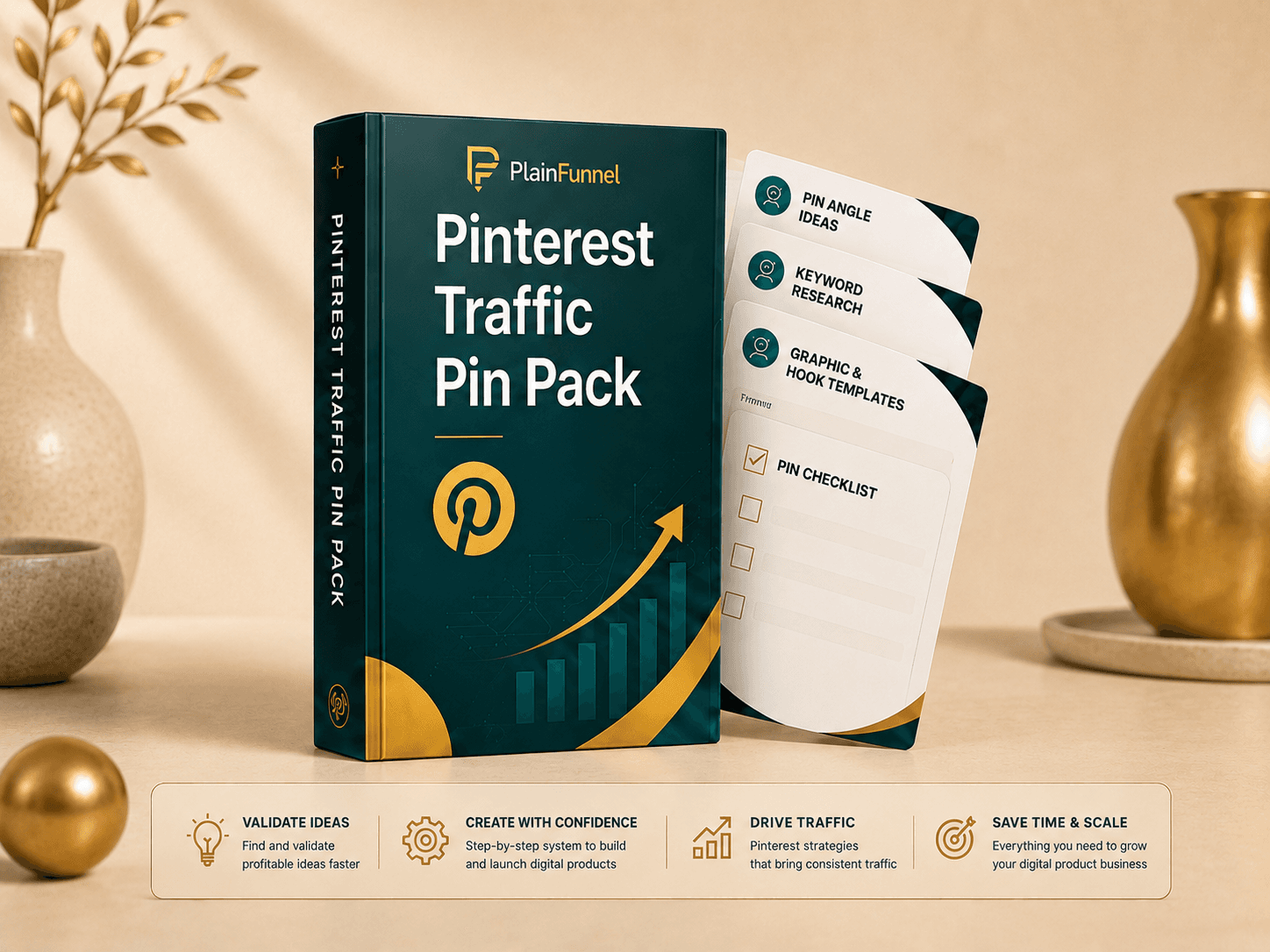
Pinterest Traffic Pin Pack
A 12-part Pinterest system: setup, angles, keywords, headline formulas, description prompts, a Canva Bulk-Create CSV, a destination audit, a 30-day calendar, troubleshooting, and worked examples — to turn one product into a month of free search traffic.
See what's inside →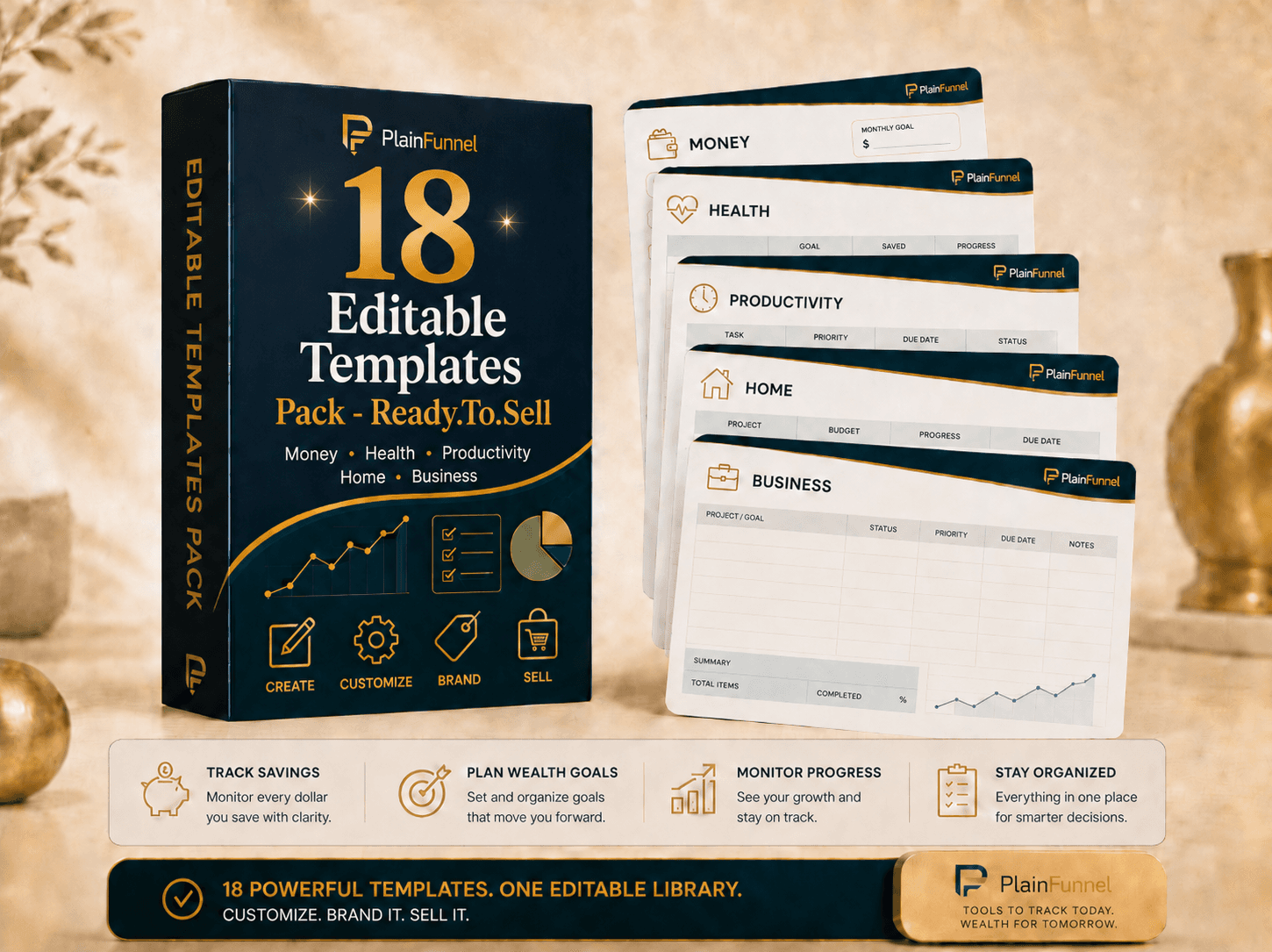
Editable Templates Pack
18 ready-to-sell templates across money, health, productivity, home, and business — planners, trackers, and worksheets. Customize the colors, examples, and branding, then list them as your own products. Print-ready PDFs + editable spreadsheet versions.
See what's inside →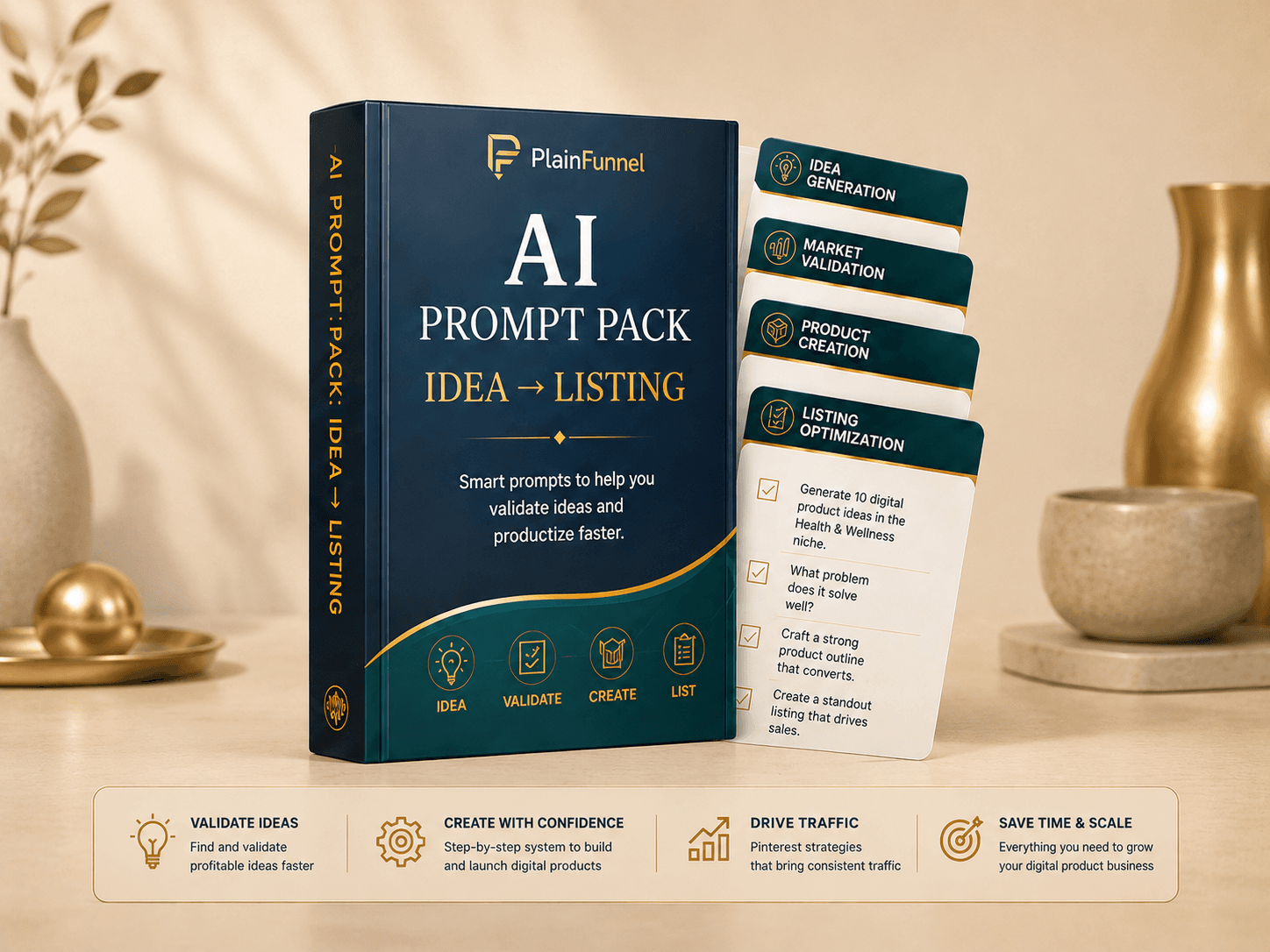
AI Prompt Pack: Idea → Listing
The tested prompts that take you from blank screen to a finished, listable product — images, titles, and descriptions that don't read like AI wrote them.
See what's inside →Frequently asked questions
Can you sell AI-generated digital products on Etsy?
Generally yes for seller-prompted AI creations, provided you follow Etsy's current policies — you're expected to be the creator or designer of the work, and Etsy currently requires you to disclose AI use. Standalone AI prompt bundles are a separate matter and are currently prohibited. Read Etsy's Creativity Standards before listing, because the rules change.
What AI digital products sell well on Etsy?
File-based products with clear buyer intent: printables, planners, templates, wall art, worksheets, and Notion or spreadsheet systems. The format matters less than whether people already search for it. ⚠️ Note that Etsy currently prohibits standalone AI prompt bundles, so that's one file-based product to leave off the list.
How much does it cost to sell digital products on Etsy?
A $0.20 listing fee per item, a 6.5% transaction fee on each sale, and payment processing that varies by country. There's no standard monthly subscription for basic selling, but a one-time setup fee may apply depending on your location — check what Etsy shows you at signup.
Does Etsy allow AI-generated art?
Etsy has policies on AI and creator involvement and updates them periodically. Check the current Creativity Standards and disclose how a product was made where required.
Should I sell on Etsy or Gumroad first?
Etsy can be useful when you want access to buyer intent that already exists — people are searching there. Gumroad and your own site generally require you to bring more of the traffic yourself, in exchange for owning the customer relationship. Neither is faster in the abstract; it depends which you already have.
What file format should I use for Etsy digital downloads?
PDF for printables, high-resolution PNG or JPG for art, and a shareable link or template copy for Notion. Always test the download yourself before publishing.
How should I price my first Etsy digital product?
Low — around $19 to $29 — to prove that strangers will buy it cold. Raise the price once you have reviews and proof of demand.
What should I do after my first sale?
Treat it as a signal, not a finish line. Turn the product into Pinterest pins for more traffic, and start capturing emails so you own the customer Etsy keeps.
Related guides
- Someone asked for a refund and they already have the file — what to do when a marketplace sale goes wrong after the file has been delivered.
- How to create Pinterest pins that drive traffic — turn one product into a batch of pins that feed your listing.
- Profit Calculator — see how many sales and how much traffic $2,000/month really takes.
- Our digital-product kits — the templates and starter kits that package this workflow.
Written by The Lab
We test AI tools, traffic workflows, and digital-product systems, then report what we find. We never publish fabricated income claims — when a method is unproven, we say so, and we focus on what's possible when you combine the right inputs.
We research and test methods and tools and report what we find. Etsy fees cited here are Etsy's published US rates as of mid-2026 — verify the current rates and your country's payment-processing fee in your Etsy dashboard. This guide is educational, not financial advice, and contains no personal income claims. We may earn affiliate commissions from some tools we mention.
Check the idea before you build it
The Product Idea Validation Checklist — the questions to answer before you spend a weekend making something nobody searches for. Free.